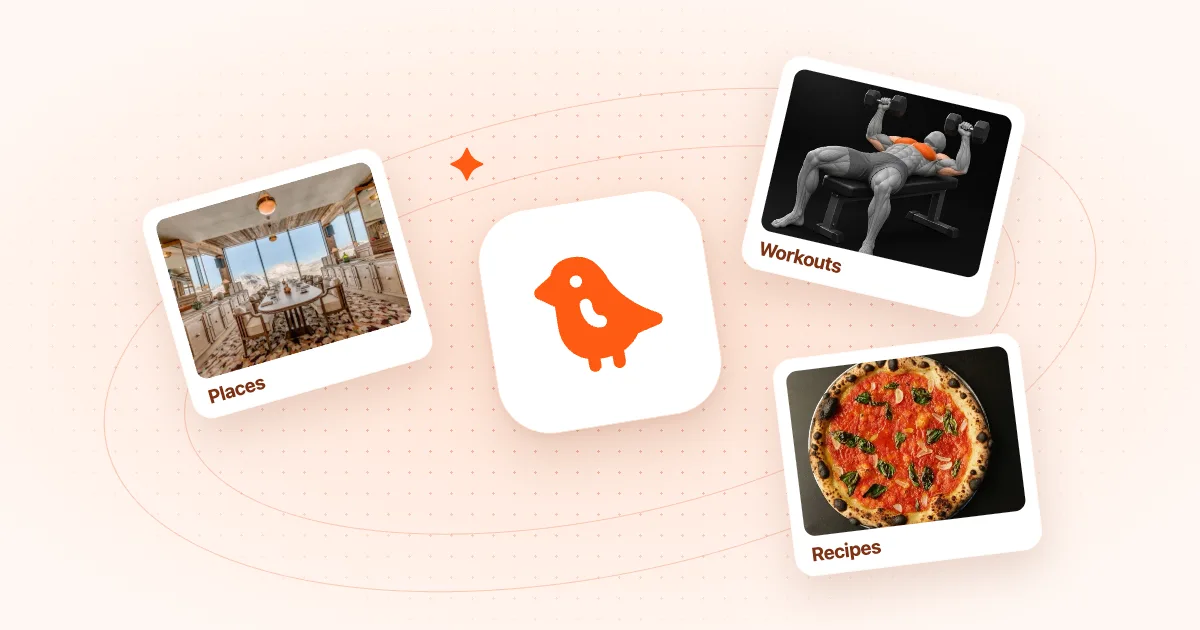
 Pigeon
 + Workout Notepad
Send a workout from a post into your training library, make it your own, and keep your changes in sync.
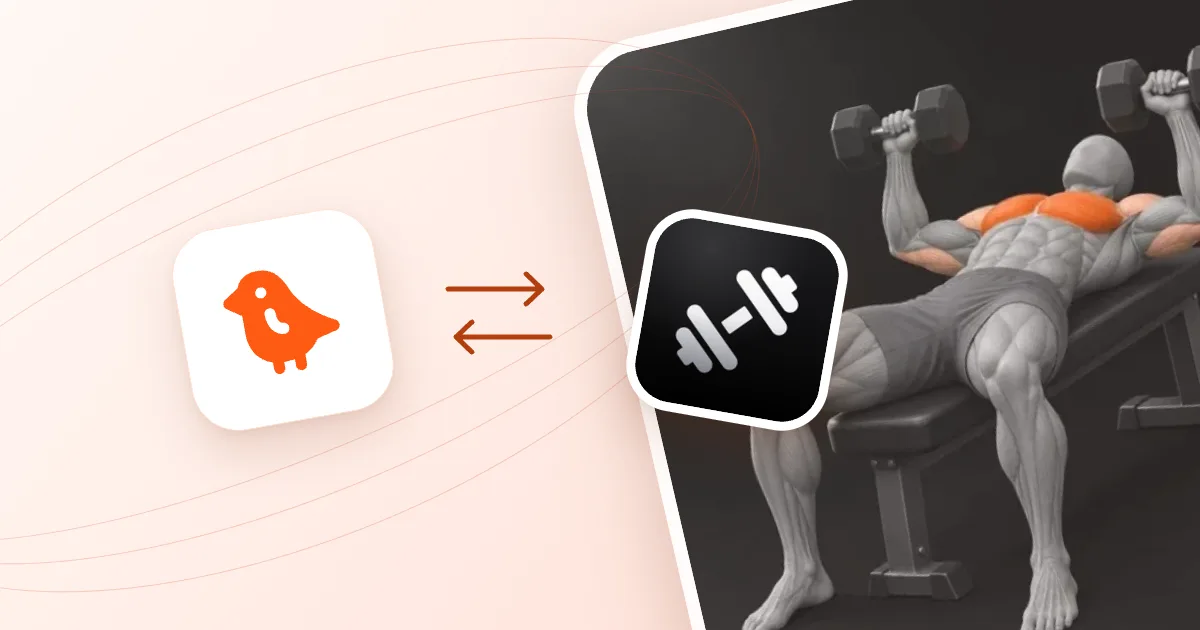
A coach posts a workout you want to try. You can save the video and type out the exercises, sets, and rest times later. Or you can send the post to Pigeon and open the workout in the same library you use to plan and log your training.
Workout Notepad is Pigeon’s first connector. Sign in to both apps with the same Pigeon account and they link automatically. You can send a workout to either app and work with it in both. Connecting Workout Notepad is always free.
From a post to your training library
Share a video, link, or screenshot to Pigeon. When it finds a workout, the workout goes straight into your Workout Notepad library. It keeps details like circuit rounds and work-rest intervals when the source provides them, and flags gaps when it can’t find a detail. You can check the original post from the workout before you train. In Workout Notepad, choose Send to Apple Watch on the workout to make it available in Apple’s Workout app.
You can also send from Workout Notepad. If the post contains a workout, it lands in both apps. If it contains a recipe or another kind of save, Workout Notepad gives you a link to open it in Pigeon.
Keep the version you train with
Say a routine calls for a barbell and you have dumbbells. Make the swap in Workout Notepad and your version updates in Pigeon. The original stays linked, so you can still see what the coach posted. If Pigeon finds a change in the source after you’ve edited the workout, you’ll be shown the update for review.
Workouts you build from scratch and the sessions you log also sync to Pigeon. You can manage the connection from Connected apps. Disconnecting stops sync and keeps the copies already made.